Commission management software vs spreadsheets
Spreadsheets are where most commission processes start. They're flexible and familiar. As plans, teams and data grow, the same flexibility can make commissions harder to calculate, check and explain. This page compares the two approaches so you can decide what fits your team.
When a spreadsheet is enough
A spreadsheet can work well when you have a simple plan, a few payees, one data source and someone who owns the file. If plan changes are rare and your team can check every result by hand, you may not need dedicated software yet.
Where spreadsheets get harder
- Data lives in several places. Deals in a CRM, territories in a sheet, quotas in another system, all reconciled by hand.
- Plan changes ripple. A mid-year rate change has to be copied into every affected formula and tab.
- Version control is manual. It can be hard to know which file is final and who changed what.
- Reps can't see how pay is calculated, which can lead to questions and disputes.
- Audits mean searching emails and old file versions for evidence.
- Month-end close takes days of manual calculation and reconciliation.
Side-by-side comparison
| Area | Spreadsheets | Commission management software |
|---|---|---|
| Plan design | Formulas built and kept by hand | No-code rules engine for tiers, accelerators, SPIFs, splits and custom formulas |
| Plan changes | Edit every affected formula and tab | Plan version control with instant rollback, and what-if scenario modeling |
| Data | Copy and paste exports from each system | Pre-built CRM and ERP connectors, open API, file imports, automated data validation |
| Calculations | Recalculate and check by hand | Commissions calculate automatically as deals close, including adjustments and clawbacks |
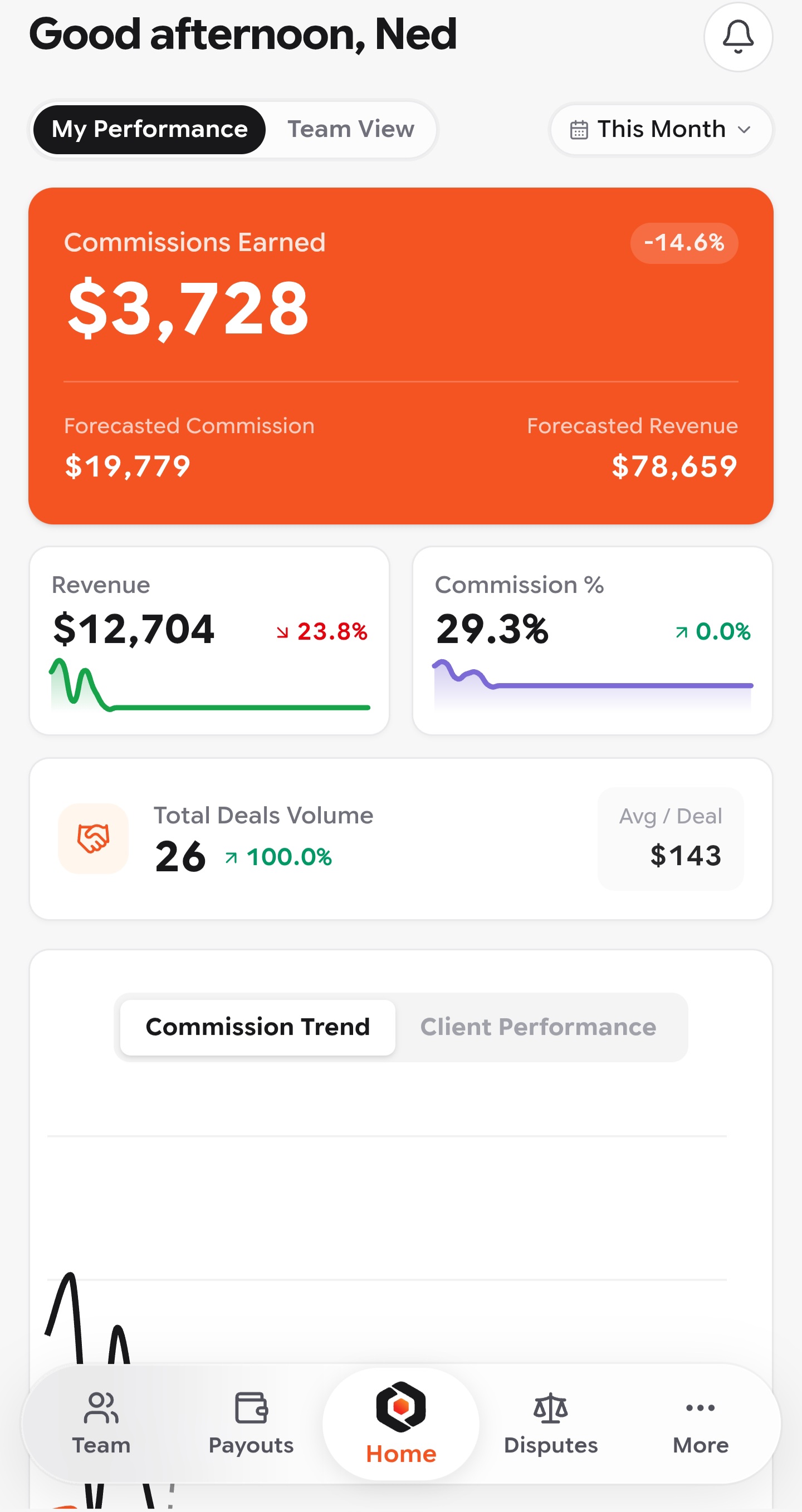
| Rep visibility | Statements sent after the period ends | Real-time dashboards for attainment, earnings and progress |
| Approvals | Email threads and sign-off in comments | Multi-level approval workflows with role-based permissions |
| Audit trail | File history, if it's kept | Every calculation, change and approval logged, with one-click audit report export |
| Payouts | Payroll file prepared by hand | Payout-ready files for your payroll system, multiple currencies and pay periods |
How to test before you switch
Use a small, realistic test. Run the same anonymised data through your spreadsheet and the software:
- A basic calculation, e.g. a $10,000 eligible transaction at a 5% flat rate should give $500.
- A rate change from a set date, checking deals on both sides of that date.
- An exception, such as a split sale, cancellation or partial refund.
- A correction after approval, then check the change history and payout output.
Read our buyer's guide for the full checklist.
Moving from spreadsheets to Perslace
Perslace Growth is built for small teams replacing spreadsheets with a reliable incentive workflow. It costs $10 per user per month billed annually, for teams of 1–5 users, with no platform fee. You can start from familiar files: Google Sheets, Microsoft Excel and CSV are in the integrations directory, and every plan includes assisted onboarding and training.
Ready to move commissions out of spreadsheets?
Book a demo with your own plan, or compare plans on the Pricing page.